Explore

Digital tools for creating 2D designs for printing, cutting, extruding, and more.
Digital tools for creating 2D designs for printing, cutting, extruding, and more.
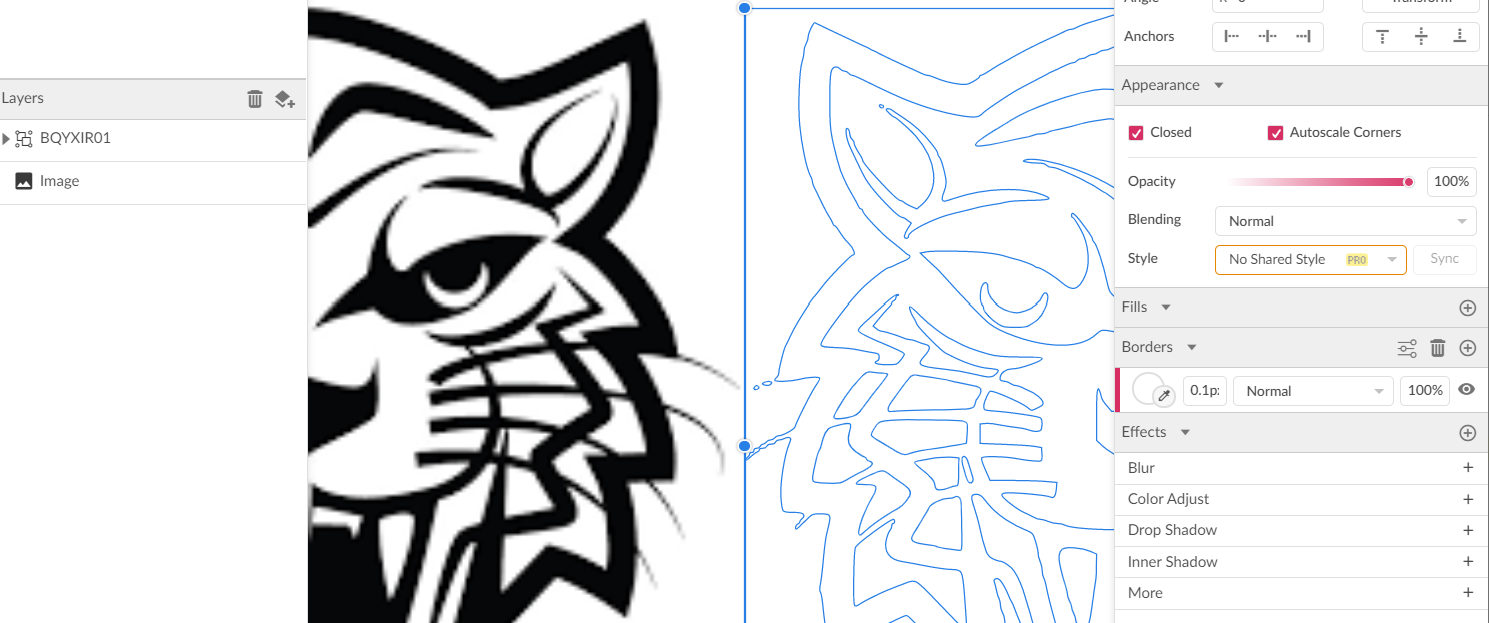
Laser or Vinyl Cut shapes must be vector files (like .svg - scalable vector graphics). Vector art programs use mathematic equations and geometric primitives (points, lines, and shapes) to create art that is clean, camera ready, and can be scaled infinitely, without any loss of quality or fidelity. These programs are the first step in the process of cutting or engraving sheet material using a digital fabrication tool such as a laser cutter, vinyl cutter, router, etc. 2D vector graphics are created to tell the machine what to do. Vector graphics can be created using a variety of software applications. Pre-made vector graphics can be also be downloaded from other digital sources. Black-and-white graphic images in pixel-based formats (such as .png or .jpg files) can be used by tracing the images to convert them to vector format (such as SVGs and PDFs).
Each application comes with its own set of pros to meet an individual user's needs. Choosing the appropriate software is easy given certain considerations:
Some modeling programs are intuitive and easy to learn, but may lack advanced features.
Does the user need to be familiar with mechanical or artistic design to use this software?
2D modeling software range from free to very expensive. For Makers, free options will usually do the trick.
While browser-based programs are more powerful than ever, design software can also be installed on a variety of computing platforms.
Can the program create models at the level of sophistication and complexity for the desired outcome?
Consider whether models created in one package can be imported into another for further development.
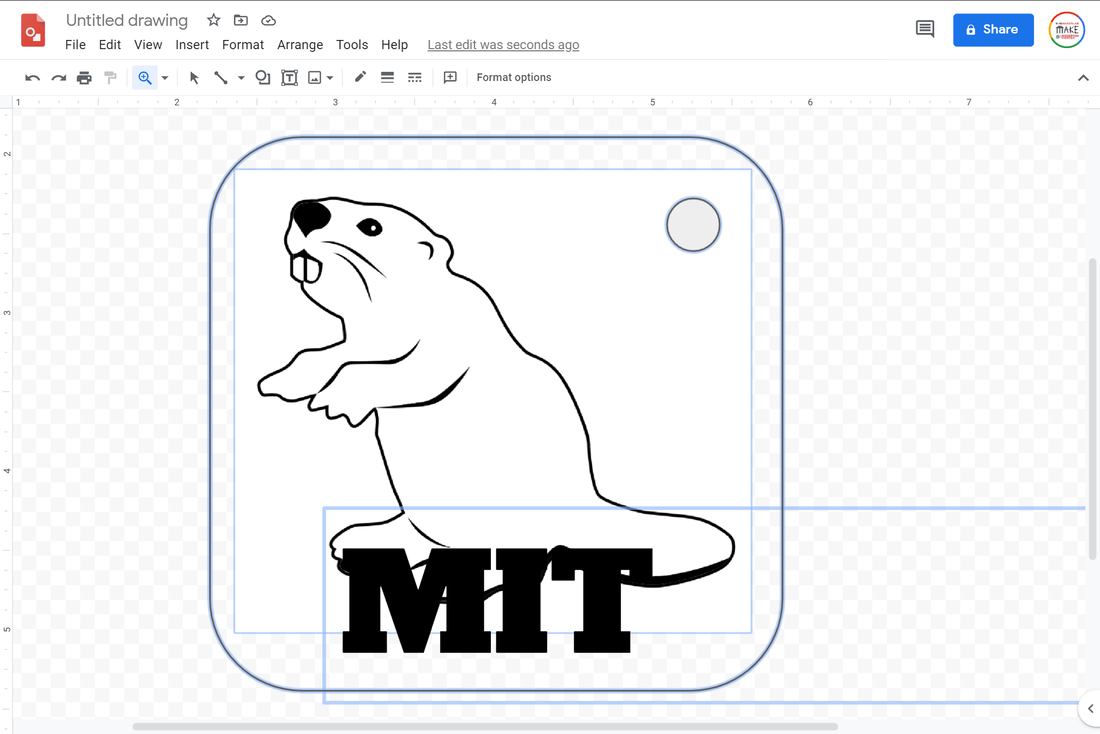


"Pro" and Other Vector Design Software
While we don't recommend paying for professional-level vector design software, it can be used for Maker projects. Two of the most popular "Pro" options are Adobe Illustrator and Corel Draw. Note that Illustrator does not work well with .svg format and designs will need to be exported as pdf or scaled after exporting as .svg.Most 3D or 2D CAD programs can also be used to create vector designs. CAD can be especially useful for advanced laser cutter projects with complex technical details and dimensioning. Autodesk's Fusion 360 is available for free for personal/hobbyist use, and there is also a free education license available.
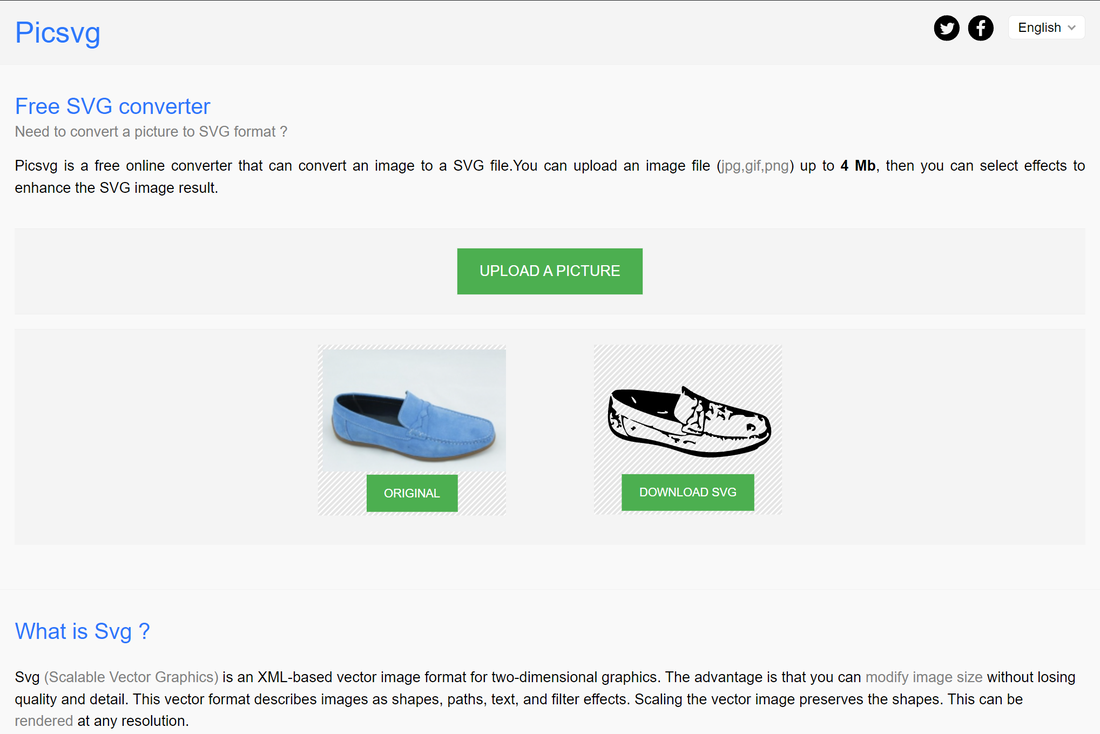
Free utility to "trace" a bitmap image (.jpg, .png, etc) and convert it to a vector file (.svg). Useful for quickly converting images for use in other software, or for trying to get a better result than the built-in trace feature in your design software of choice.

Free site that converts files from one format to another. Useful for converting a file made in Illustrator, Corel, or a CAD application to .svg. Results may vary and converting files like this should not be part of a regular workflow, but this utility can help in a pinch.
Making Gears

Drawing Gears in Inkscape
Wooden Gears Gear Templates
Downloadable Vector Gears
GearSketch

Free online photo editor - basically a browser-based photoshop clone! Lots of features but has bit of a learning curve. Useful for deleting backgrounds, adjusting contrast, removing color and more.

A feature-rich tool that generates box designs that can be downloaded as vector files for laser cutting.



.svg)
We help educators integrate Maker/STEAM projects into regular academic classes, making their curriculum more engaging, promoting "21st-century" durable skills, and fostering literacy in creative technologies used by professionals.