Explore

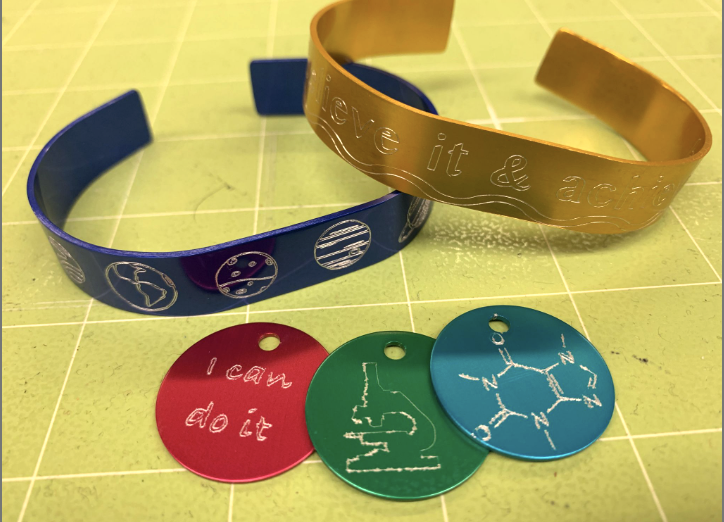
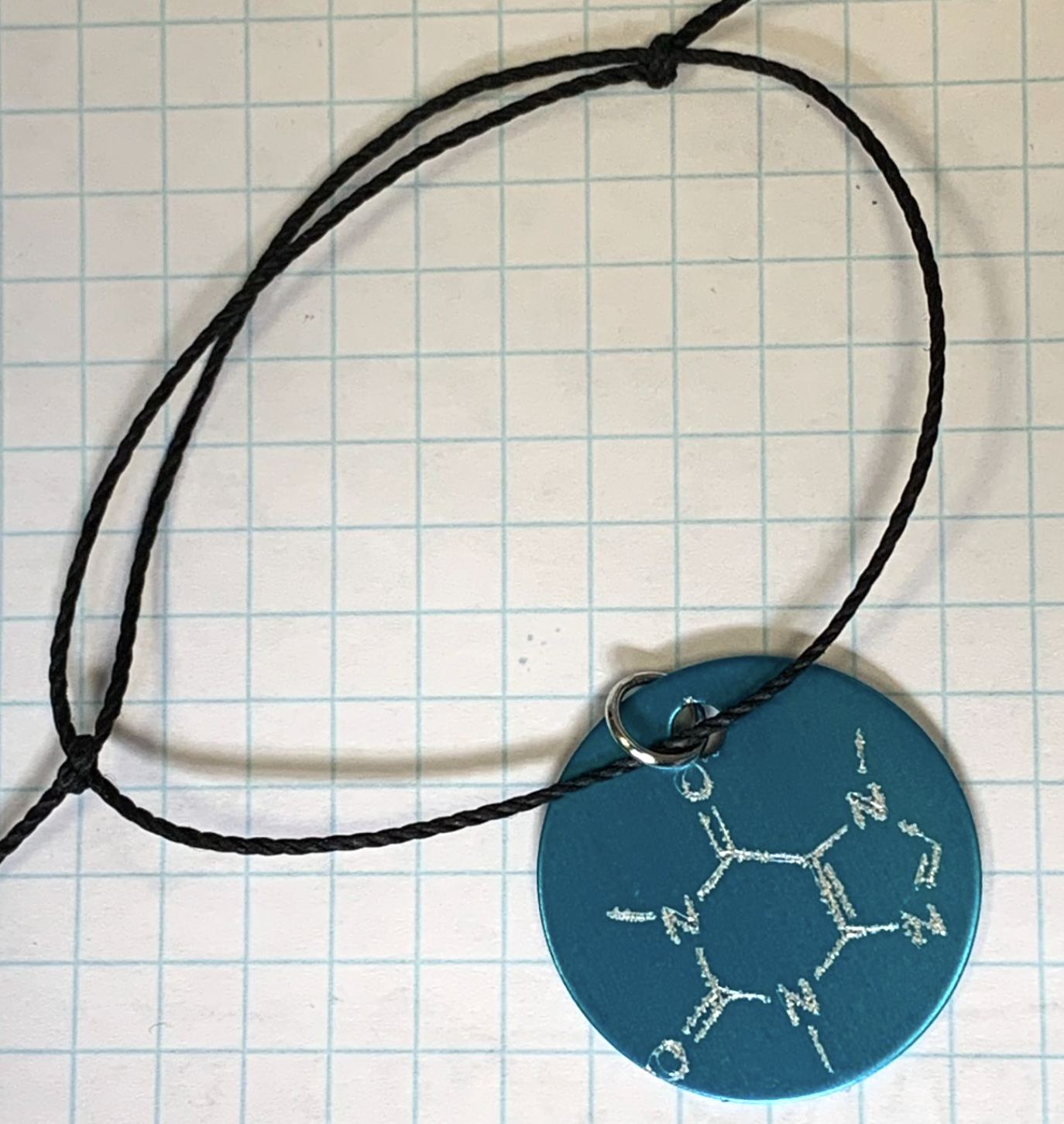
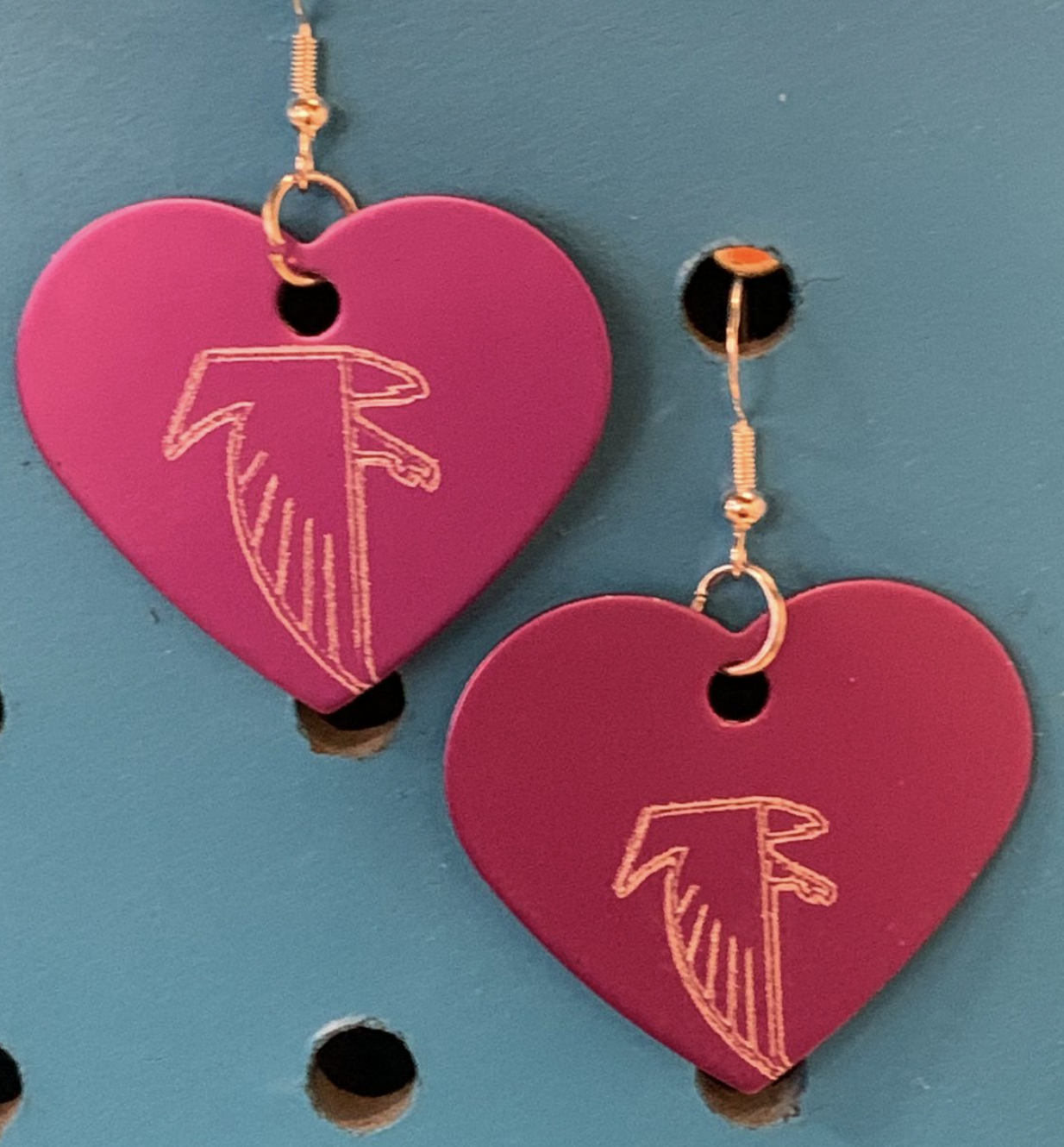
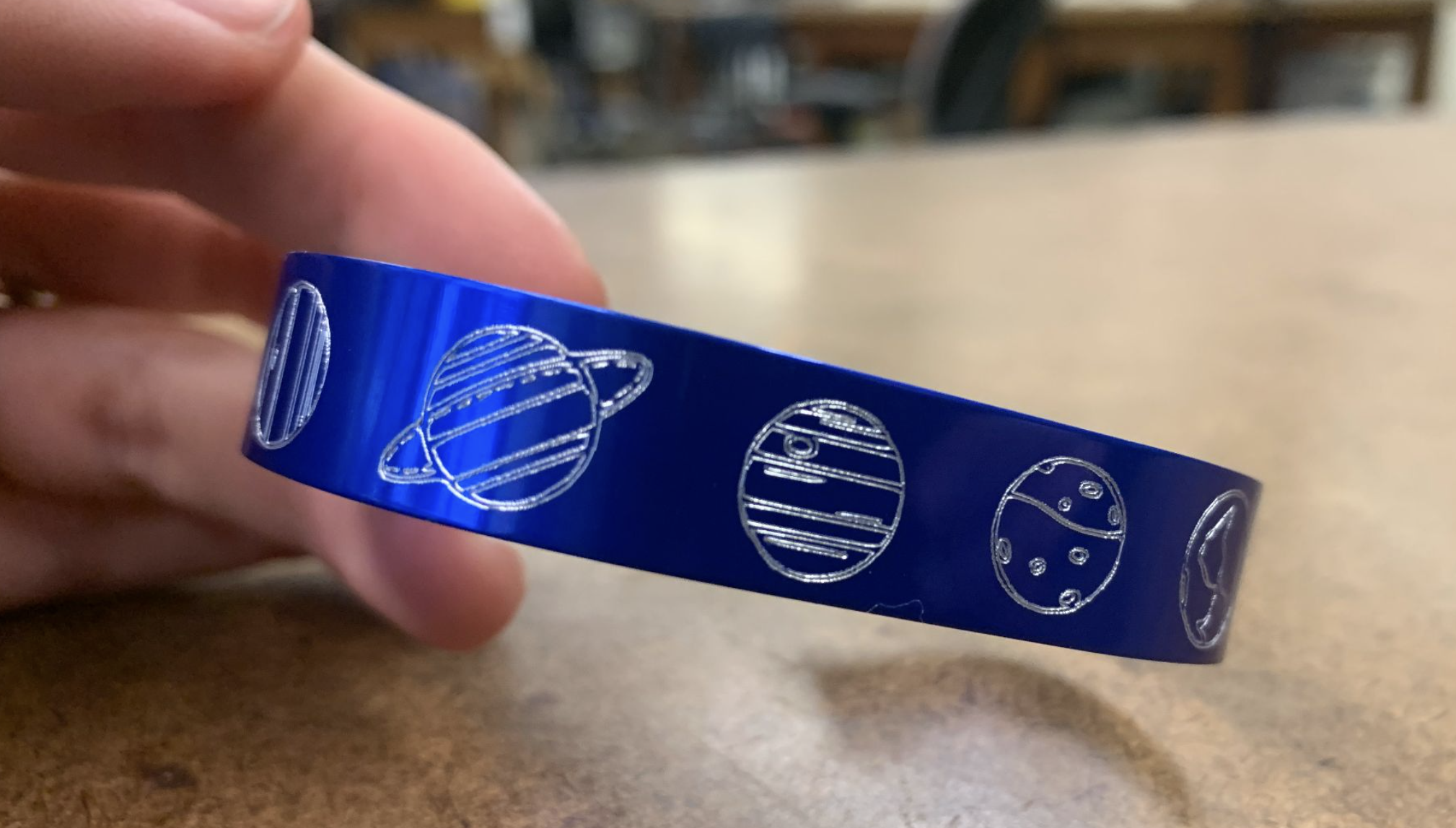
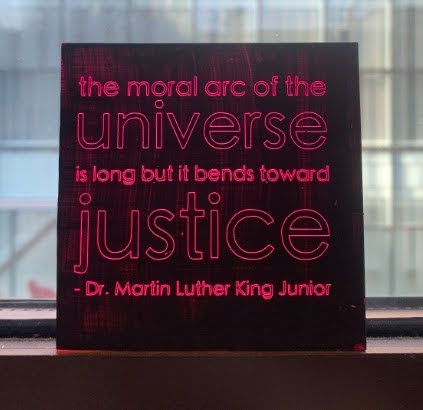
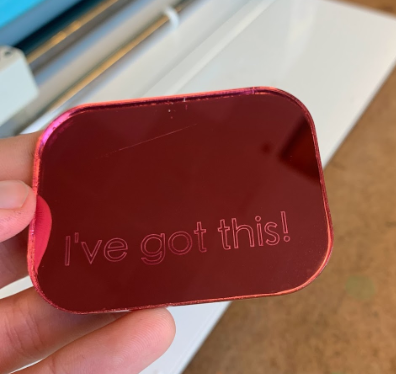
Engrave custom designs into jewelry blanks and more using a Cricut cutter.
Cricut Cutter
2D Design Software
Soft Metal Blanks
Painted acrylic tiles (optional)
acrylic mirror (optional)
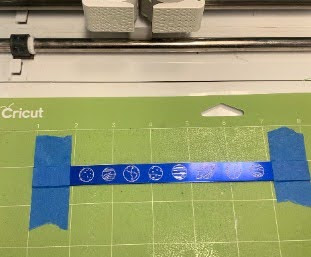
Engraving jewelry with a Cricut is a fun and accessible way to personalize metal or acrylic blanks. The process requires a compatible Cricut Maker, the QuickSwap Engraving Tool, and a few basic materials including a stronghold mat, soft metal blanks, and painter's tape. Students begin by setting up their design in Cricut Design Space, creating a template that matches their blank and adding text or graphics set to the Engrave operation. Choosing the right font style is important, as single-line or sketch fonts produce the cleanest results.v
Once the design is ready, the blank is secured to the mat and a few simple machine settings are adjusted to accommodate the thickness of the metal. The template layer is hidden before running the machine so the Cricut only engraves rather than attempts to cut. From there, students load the mat, start the machine, and the engraving process handles the rest.
Have a question or want to share your Makes with us? Contact us!
k12maker@mit.edu


.svg)
We help educators integrate Maker/STEAM projects into regular academic classes, making their curriculum more engaging, promoting "21st-century" durable skills, and fostering literacy in creative technologies used by professionals.