Explore

Draw (by hand or computer) a 2D piece of art and 3D print it with a few simple steps.

SVG conversion tool (such as picsvg.com)
3D modeling software (such as Tinkercad)
3D Printer
Brush up on 3D Modeling Basics with our tutorials on YouTube:
Finding good 3D models to print on Thingiverse
3D filament
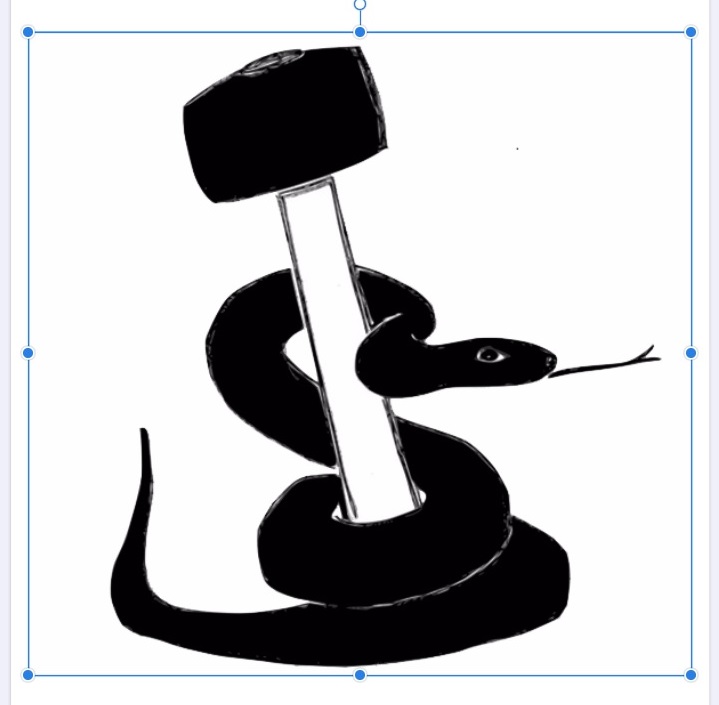
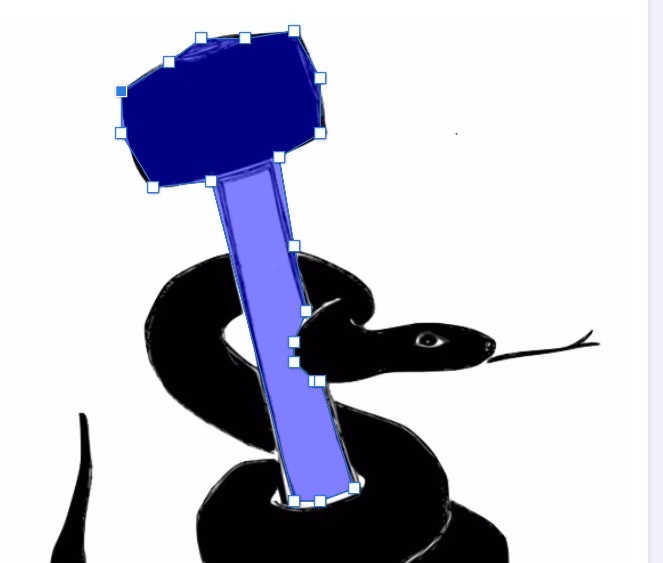
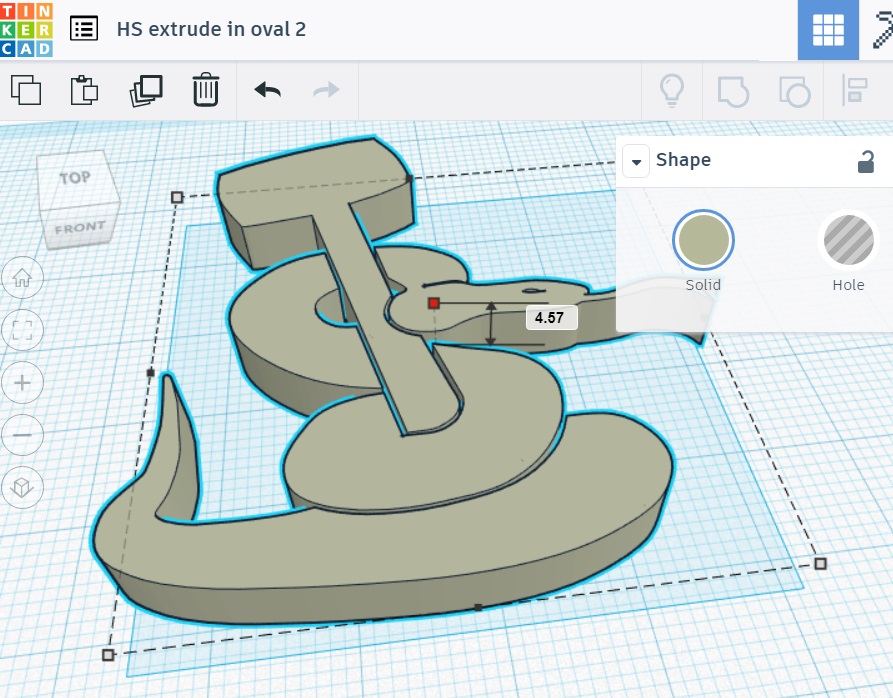
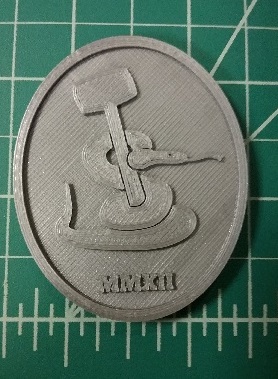
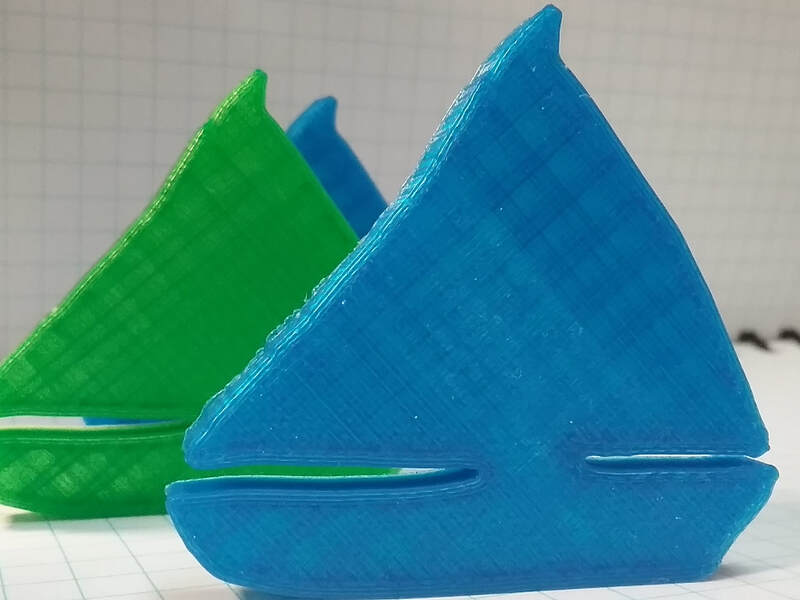
Students will use or design a 2D image to make a 3D printed relief item. The image should be personally and/or academically meaningful. At its simplest, this project is an ideal introduction to the 3D printer. It requires no designing on a computer as long as students have a high-contrast picture at hand that can be easily converted to a vector file with picsvg.com. Students then simply load their .svg into Tinkercad and can use sizing and shape tools to create a printable object. For the next level of learning with this project, see the possible content explorations below. These will all demand thoughtful design, research/discussion about your target content, and the use of 2D modeling software like Illustrator, Inkscape, Canva or other online tools.

Have a question or want to share your Makes with us? Contact us!
k12maker@mit.edu


.svg)
We help educators integrate Maker/STEAM projects into regular academic classes, making their curriculum more engaging, promoting "21st-century" durable skills, and fostering literacy in creative technologies used by professionals.