Text reading K-12 Maker Lab at the MIT Edgerton Center with K-12 Maker Lab in red and the rest in black.
Explore
HomeGet trainingSet up a makerspaceUse Maker toolsCreate projectsRead blog + articles + booksAbout us
Latest posts

K-12 Maker Sessions at FAB26 on MIT Campus, July 27-31, 2026

Project spotlight: Shadow casters

New Maker projects

Custom Laser-Cut Mirrors

Paper Lanterns

Illustration of a magnifying glass.
Black version of the MIT logo

Virtual Tools and Projects

This page contains structured, accessible projects that students can complete virtually with guided instruction. Projects like these foster creativity, technical skills, and problem-solving abilities for distance and in-person learning, alike.

Looking for more projects?
Idea Gallery
Tutorials
Instructables
STEM Projects
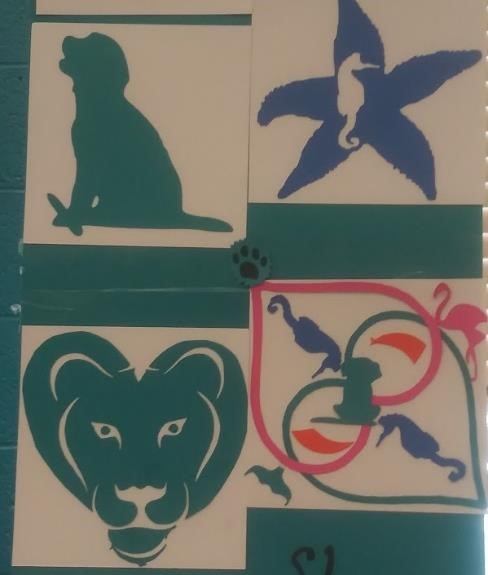
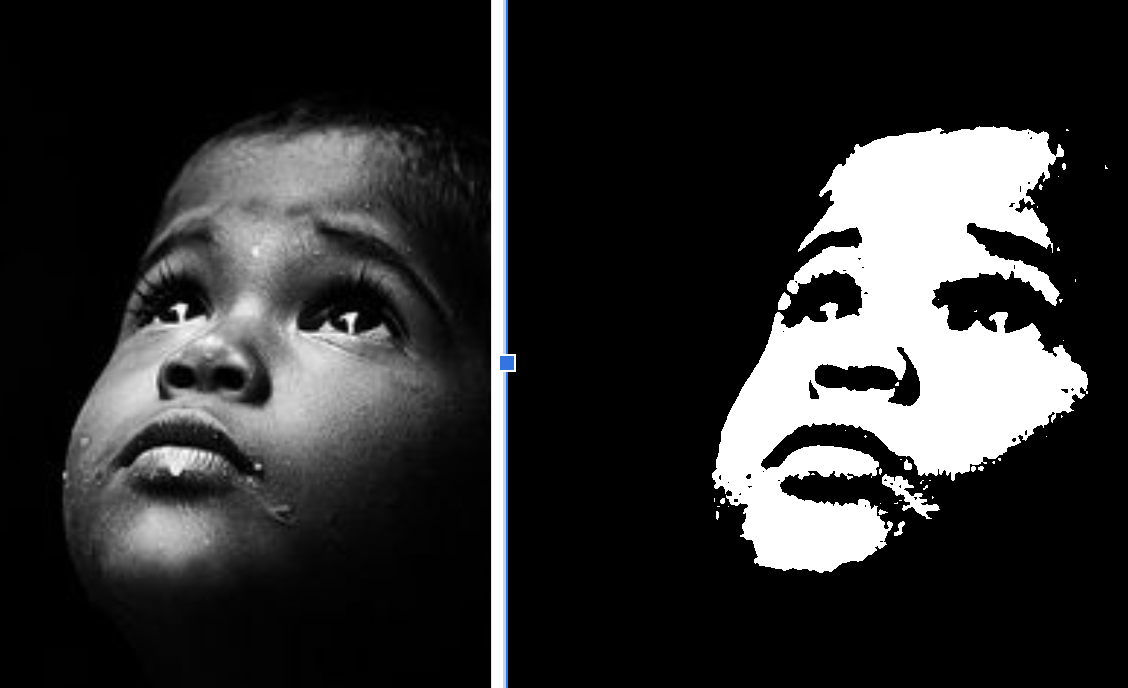
Black and white portrait of a young child looking upwards with a contemplative expression.Artistic designs featuring a green silhouette of a cat with a mouse, a blue starfish with a seahorse inside, a green lion head, and a butterfly shape with various small animal silhouettes inside.

Graphics Techniques

Learn graphics tools and techniques for laser and vinyl cutters using Vectr.com

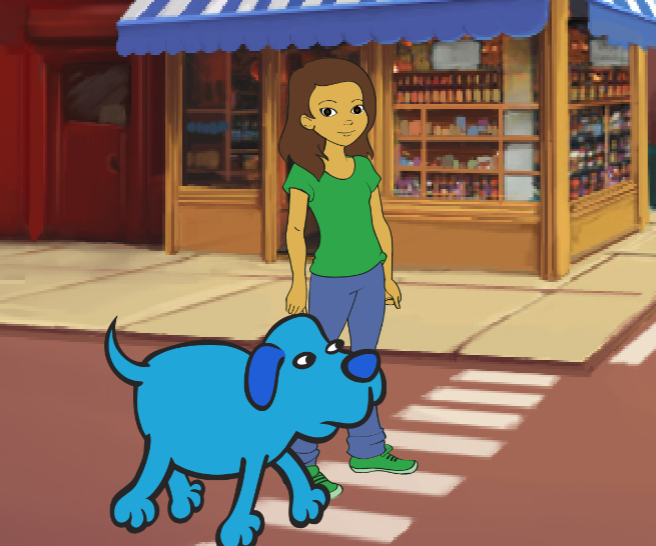
Scratch logo next to coding blocks: when green flag clicked, move 200 steps, say 'Hi!', repeat 3 times playing Meow sound until done, with Scratch cat sprite saying 'Hi!'Cartoon girl in green shirt and blue jeans standing on a street corner with a blue dog crossing a zebra crossing.

Scratch (Coding)

​Create an Interactive Tour on Scratch

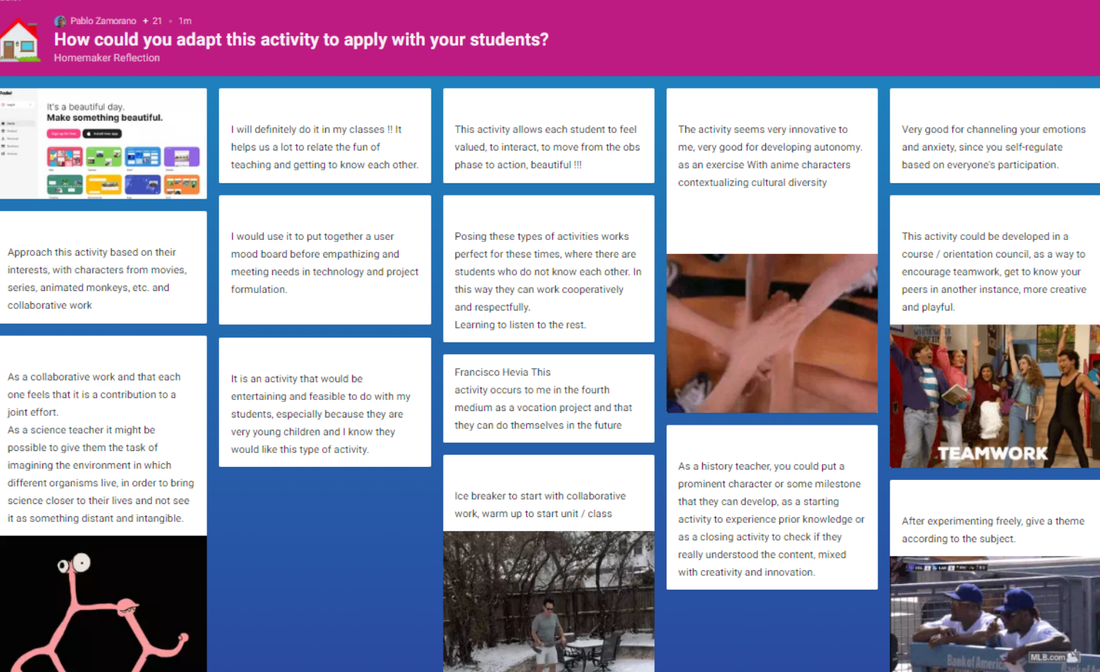
Screenshot of an online discussion titled 'How could you adapt this activity to apply with your students?' showing multiple text comments on adapting an educational activity for student engagement, with two images: a group hands teamwork photo and a photo of two baseball coaches in discussion.

Virtual HomeMaker starter slides

Icebreaker or intro activity for groups
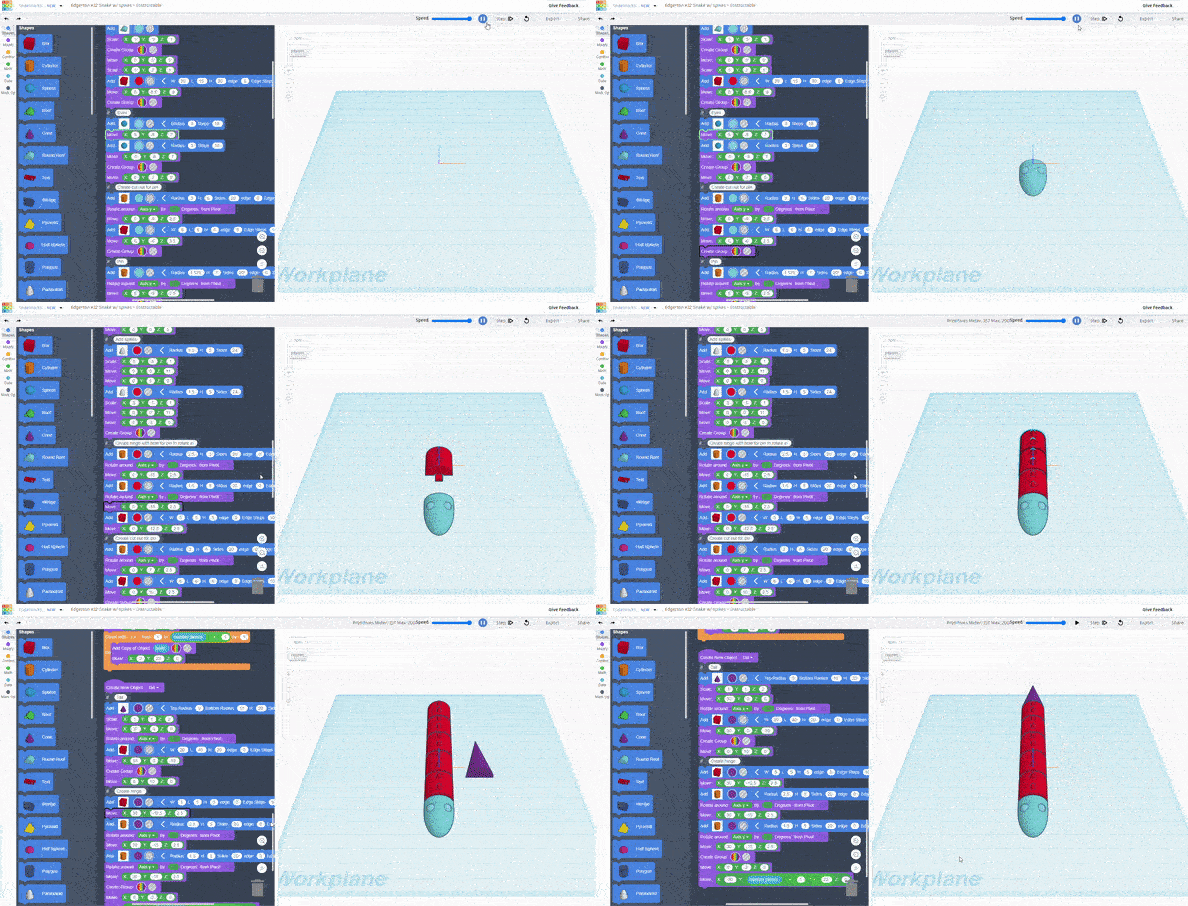
Animation of Tinkercad Codeblocks interface showing visual code blocks on the left and a 3D workplane on the right where a cube is dynamically generated and resized.

Codeblocks - Coding with Tinkercad

Tutorials on Instructables.com by the MIT Edgerton Center:
‍Code-a-Charm-Bracelet
‍
Fraction-Action-With-Coding
‍
Code-a-Wiggly-Snake

Create Animations from Slides (Google Slides)
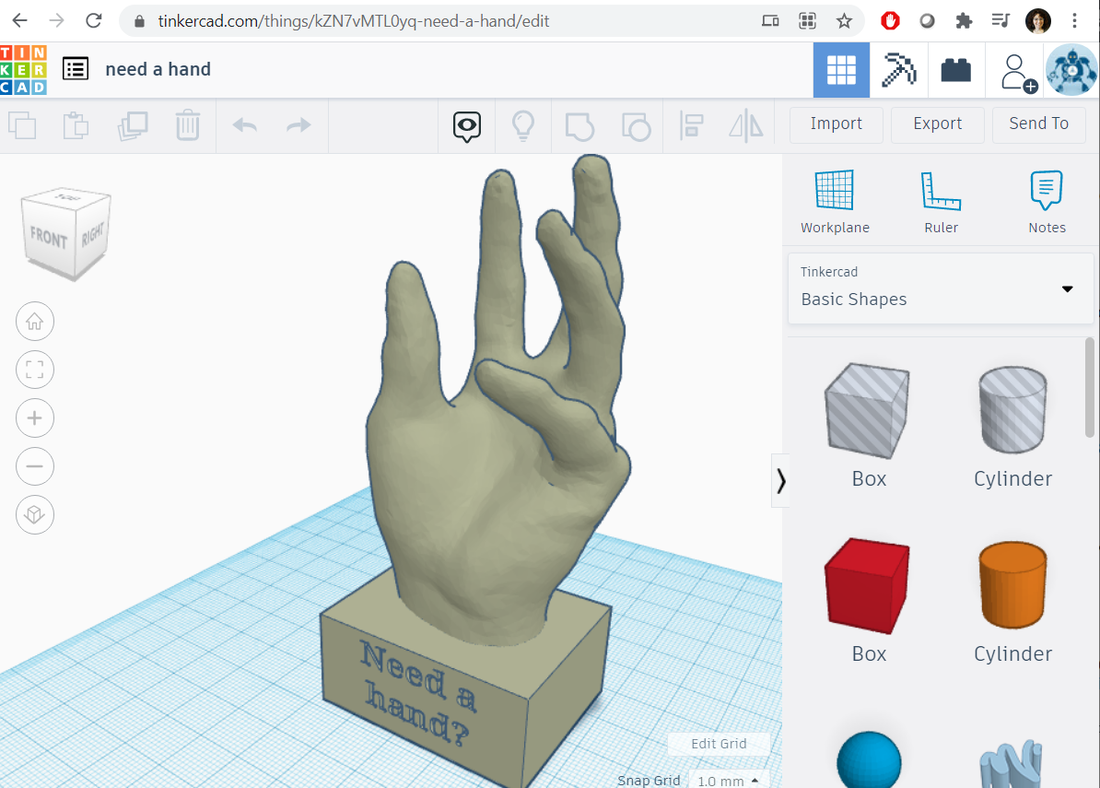
3D modeling software showing a hand sculpture on a rectangular base with the text 'Need a hand?' engraved on it.

3D Modeling with Tinkercad

Here are some good tutorial videos.  
Tinkercad Tutorial video (old, but quick and fun)​
How to Use Tinkercad -  by MatterHackers
Tinkercad Advanced Tricks - by Washco Utah Library Makerspace
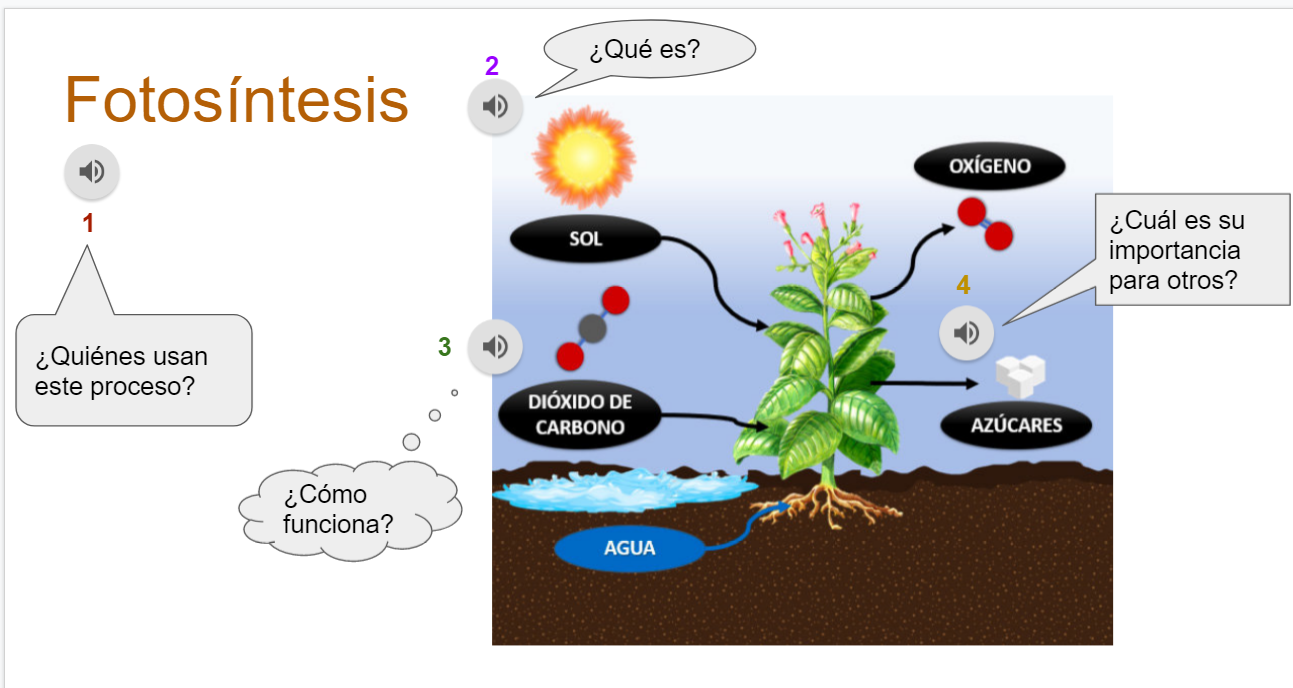
Diagram illustrating photosynthesis with sunlight, carbon dioxide, and water absorbed by a plant, producing oxygen and sugars, accompanied by Spanish text questions about the process and its importance.

Create Interactive Slides

(click on Slide to see videos or hear audio clips)
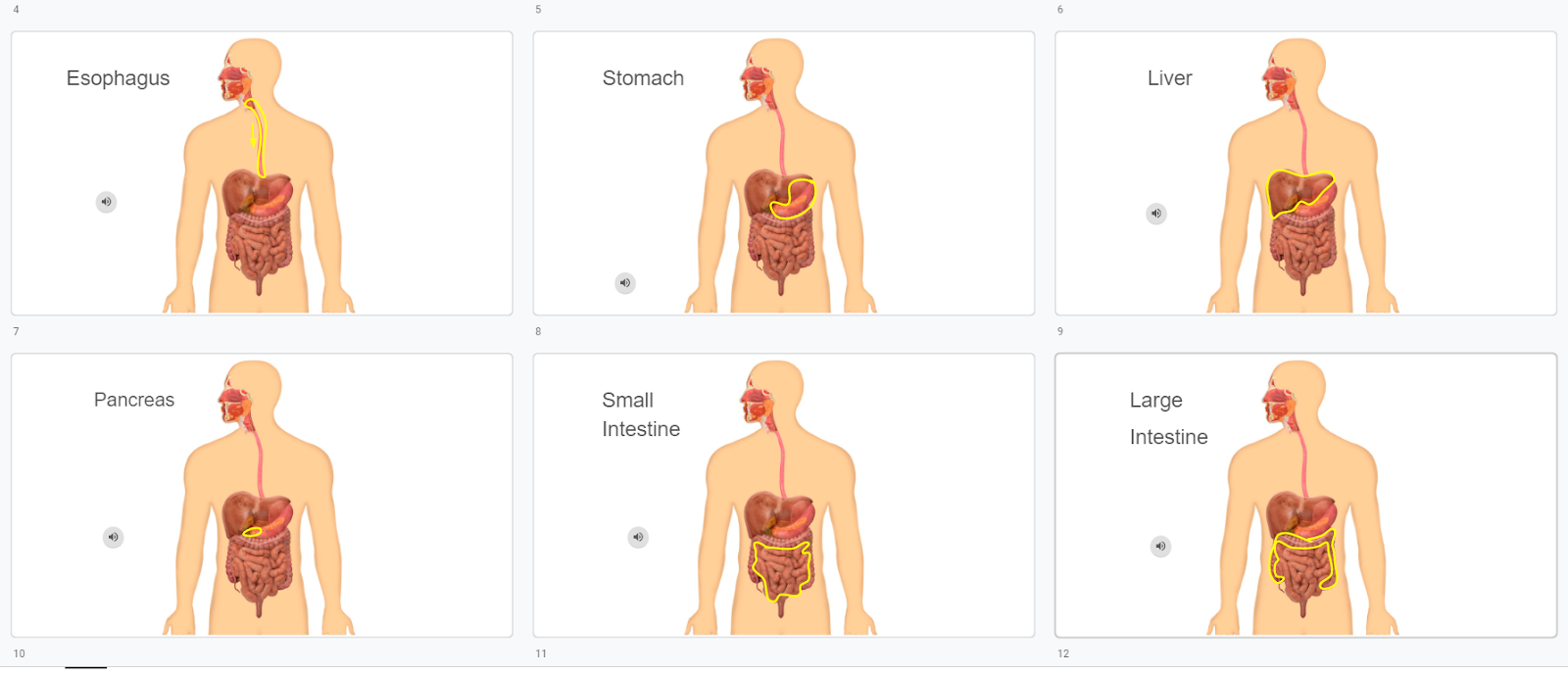
Six panels showing human digestive system with highlighted organs: esophagus, stomach, liver, pancreas, small intestine, and large intestine.

Create Videos from Slides (Google Slides)

Quick Links
Get Training
Set up a makerspace
Use Maker tools
Create Projects
Read blog + articles + books
About Us
 
Get the Newsletter
Workshop Materials
Privacy
Accessibility
Black version of the MIT Edgerton Center logo
Facebook iconYouTube iconInstagram icon
© 2026 K-12 Maker Lab at the MIT Edgerton Center. All rights reserved.