Explore

Use Tinkercad to design bespoke rulers with custom units and features. The rulers can be designed for fabrication on a 3D printer, or with a laser cutter or vinyl/craft cutter.
3D Printer
3D Modeling Software, Tinkercad
3D filament
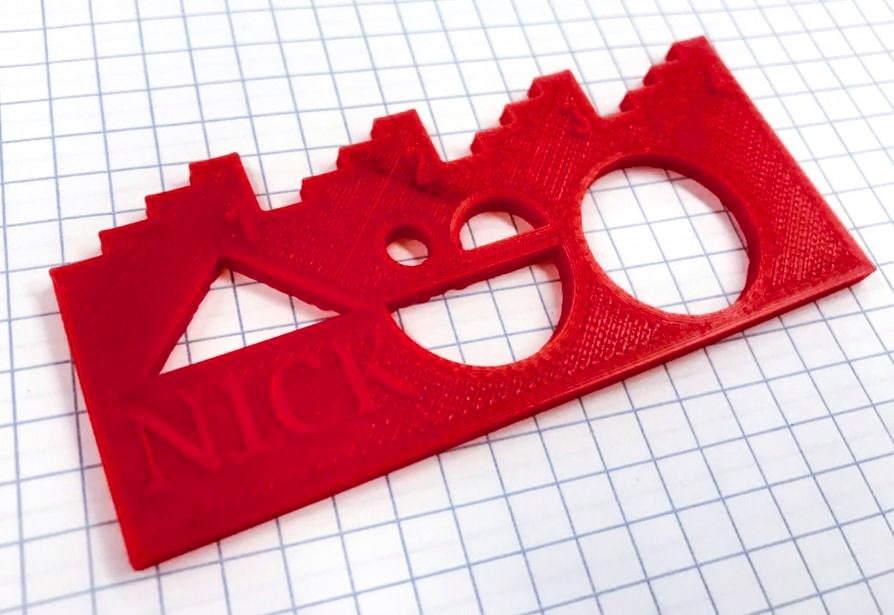
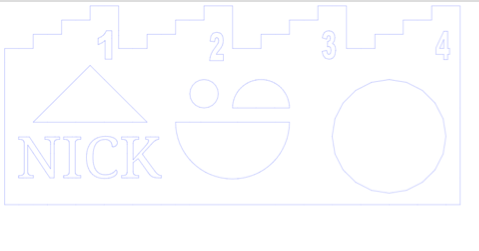
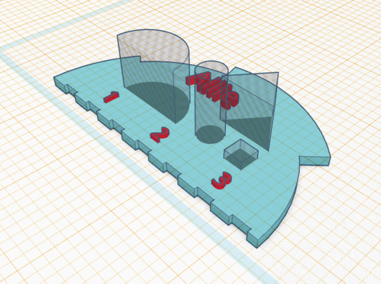
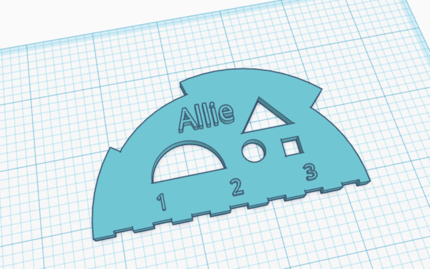
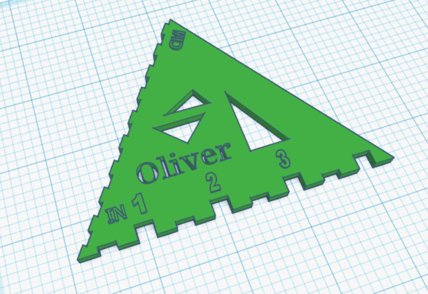
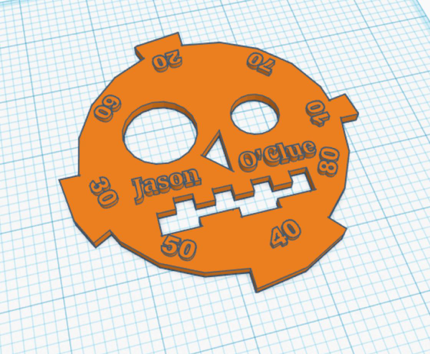
Students use Tinkercad to design their own rulers with custom units and features. The rulers can be designed for fabrication on a 3D printer, a laser cutter, or vinyl or craft cutter. In the example above, Fifth Grade math students were asked to create a 3D design that included a unit of measurement with subdivisions, and three or more shapes. This student opted to incorporate inches and quarter inches along the top, and several cut out shapes in the center, some of which suggest a smiley face.
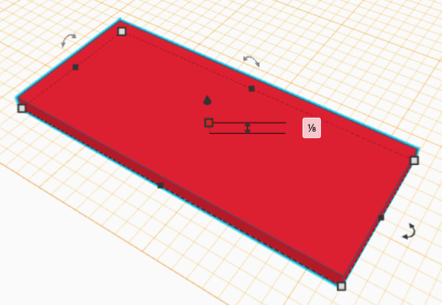
Begin by examining existing rulers and measuring tools. Have students sketch or document the ones that they like, taking note of qualities that ruler or device is used to measure. Then, brainstorm several ideas for custom rulers. Students may create custom units of measurement and features, or use an existing system. Prototype with physical materials, or jump into modeling in Tinkercad. When students are ready to fabricate their custom rulers, Tinkercad can export the file as an STL file suitable for 3D printers, or an SVG file suitable for laser cutters or vinyl cutters.
Have a question or want to share your Makes with us? Contact us!
k12maker@mit.edu


.svg)
We help educators integrate Maker/STEAM projects into regular academic classes, making their curriculum more engaging, promoting "21st-century" durable skills, and fostering literacy in creative technologies used by professionals.